 Blackboard
- Make sure the Edit Mode is set to On.

- Locate an exam or a quiz you need and click the gray arrow to the right of the test
- Select Edit Test Options.
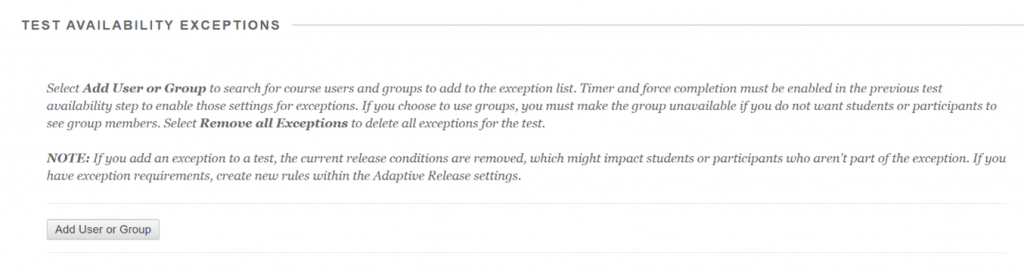
- Scroll down and under Test Availability Exceptions and click “Add User or Group”.
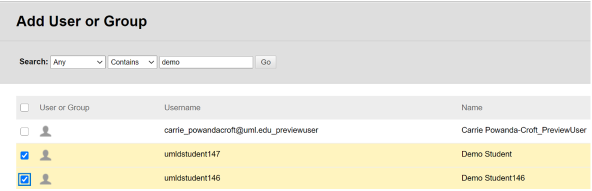
- Check the box next to the name of the student for which you intend to make accommodations and click Submit.
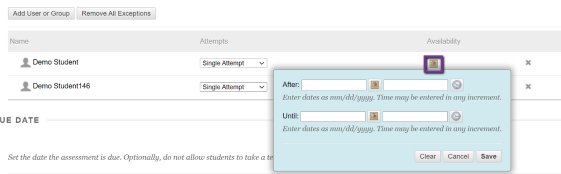
- Under Availability, select the date and time that the you have agreed to make the exam available to the student. Be sure to leave Force Completion unchecked and click Save.
- Click Submit.