 Blackboard
There are two ways to see the list of students in your course - the Canvas Gradebook (Grades on the left side menu in your course) and People on the course menu.
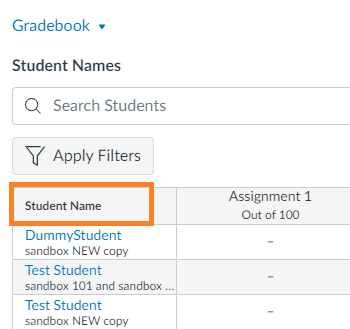
To access from the Canvas Gradebook
-
- Click Grades on the course menu.
- This will take you to the Gradebook, where you will see the list of your students.
To access from People
From the Course Navigation menu, click on People. This will list all the users in the course.
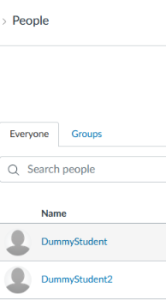
Note: The view when clicking on People is very similar to the Roster in Blackboard.