In your Canvas RCE, the Page Title acts as Heading 1. In the RCE ribbon, use the Paragraph button to select additional heading styles. To create lists, use the Ordered / Unordered List button (both highlighted in orange).
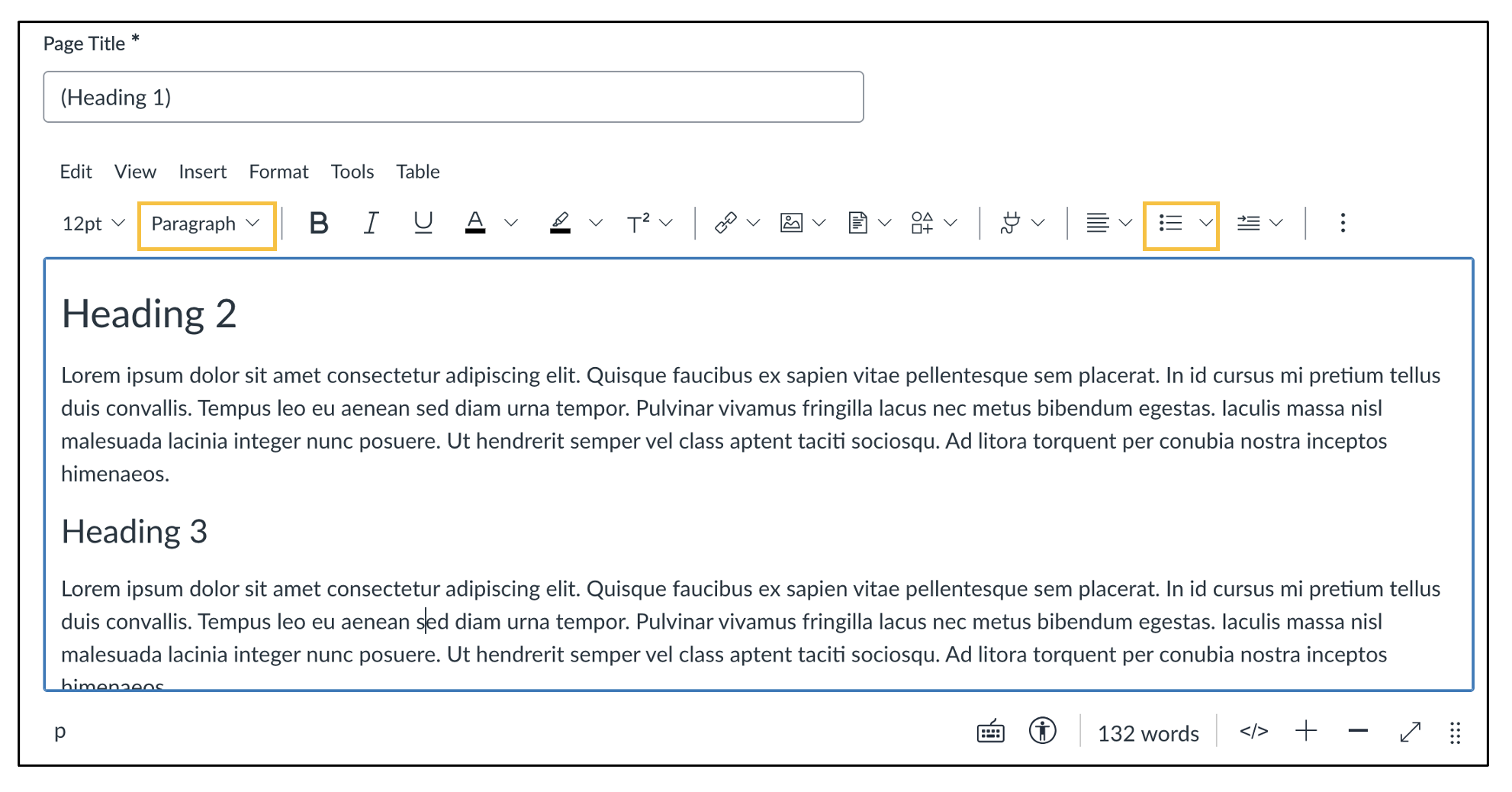
Keep in mind these best practices for Headings and Lists:
- Use properly formatted Headings to structure your documents and/or web pages (H1, H2, Normal, etc..)
- Use either bulleted lists or numbered lists to group related items
- Always use the list button when making a list. Do not create lists with the number and letter keys.