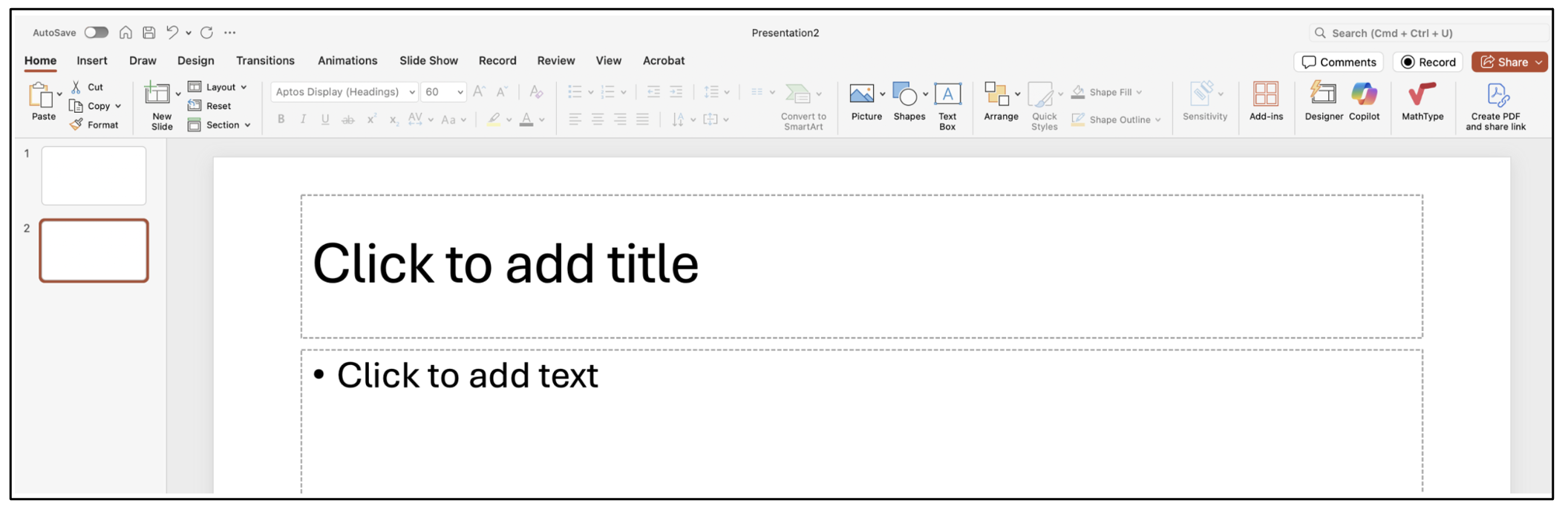
In PowerPoint, headings are added as Slide Titles. Each new PowerPoint slide should have a space for a slide title. Your title should clearly indicate the content of the slide. To verify that the titles have been added correctly, go to Review and Check Accessibility. On the Accessibility Assistant, check Document Structure.
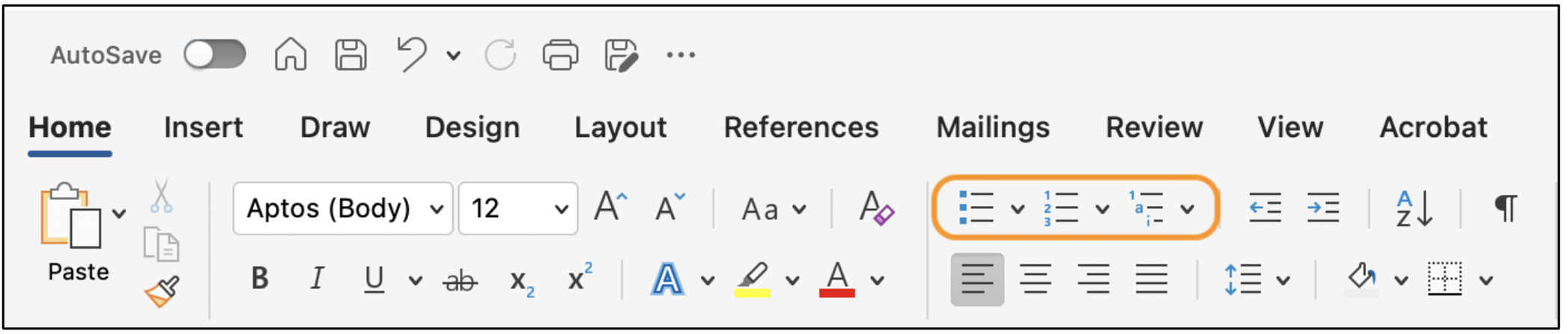
To properly add lists to your document, use the Bullet, List, or Multilevel List buttons highlighted below.
Keep in mind these best practices for Headings and Lists:
- Use properly formatted Headings to structure your documents and/or web pages (H1, H2, Normal, etc..).
- Use either bulleted lists or numbered lists to group related items.
- Always use the list button when making a list. Don't create lists with the number and letter keys.