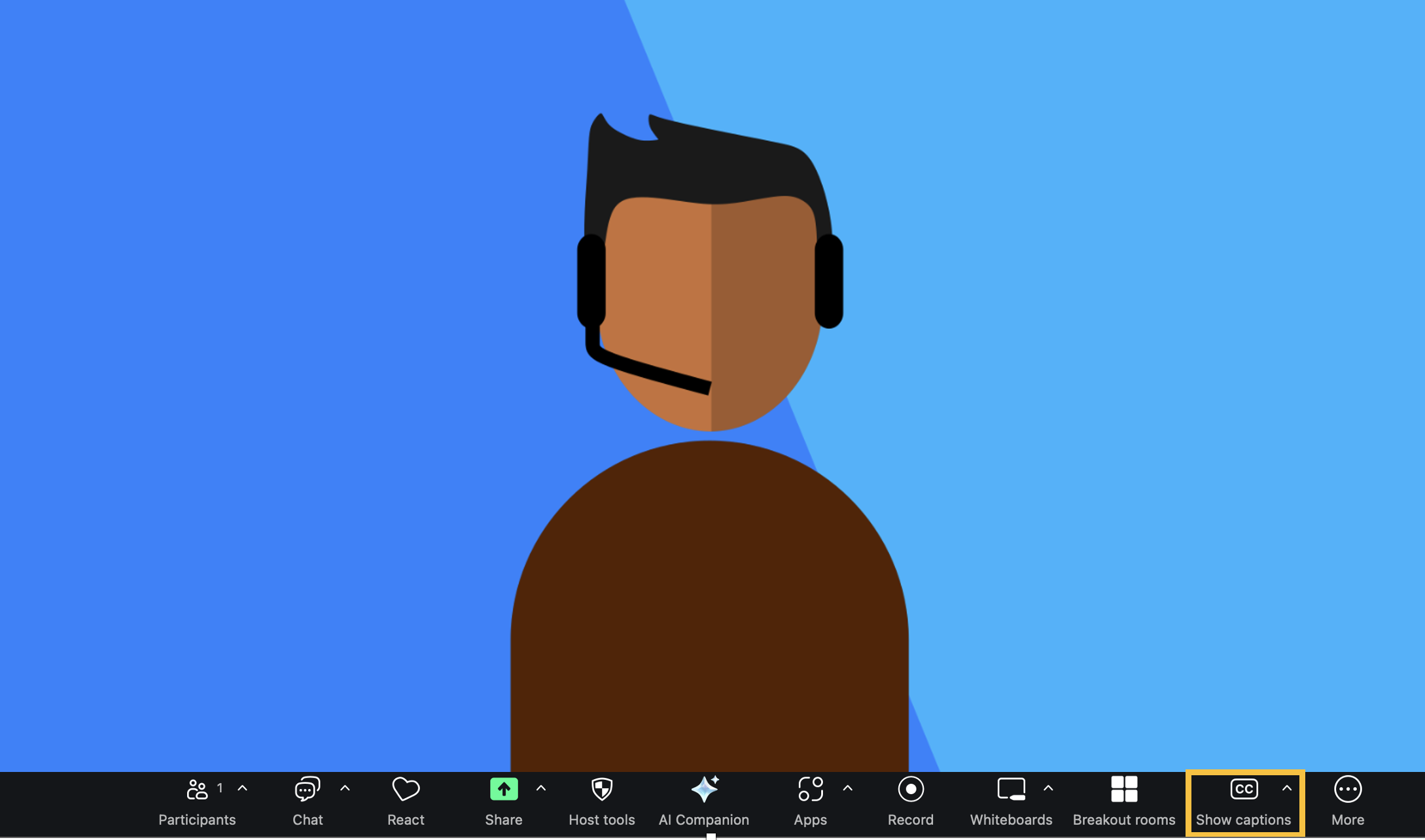
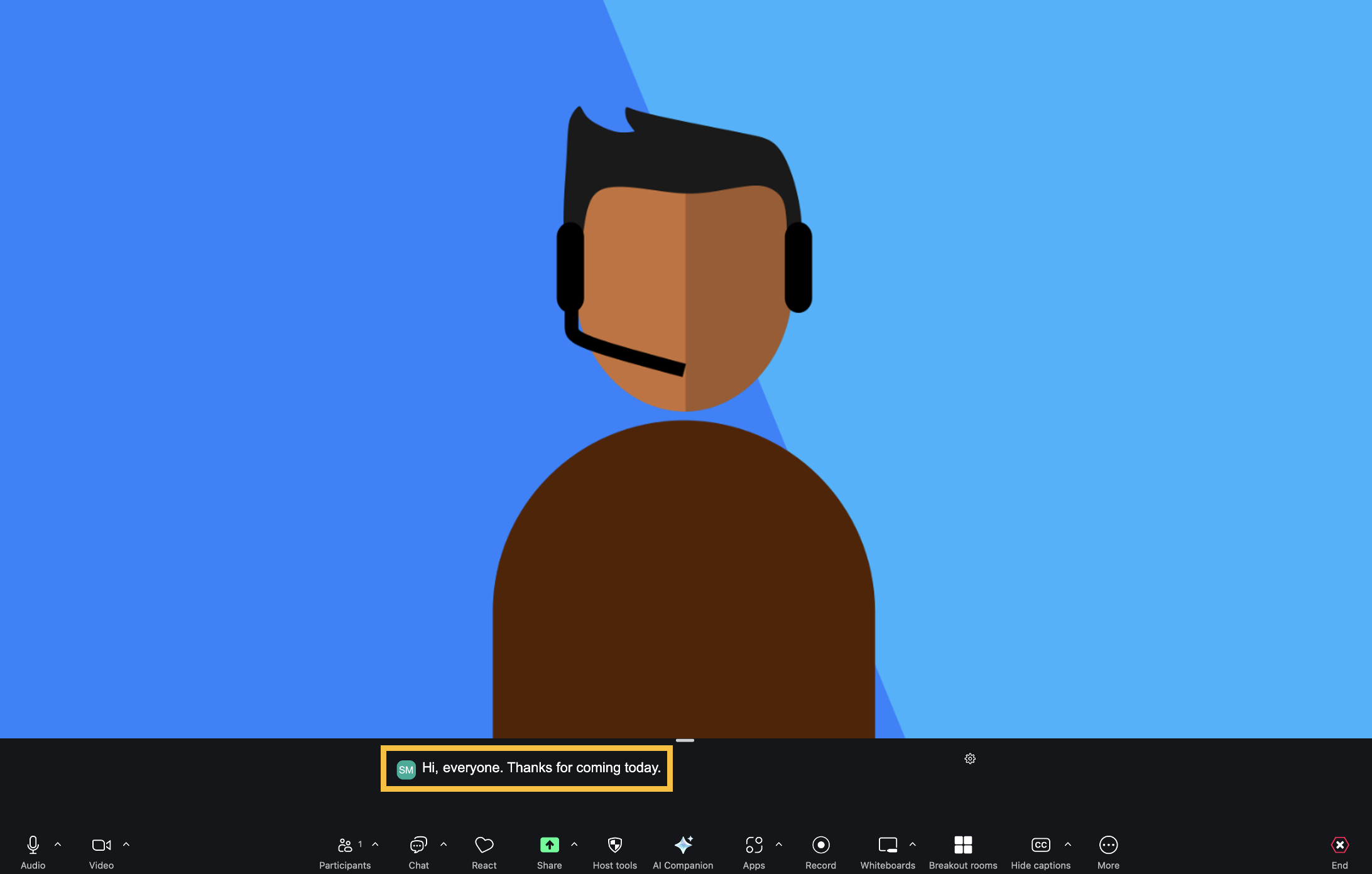
To enable live captions in Zoom, first enter a Zoom meeting as a Host, then select the Show Captions button on your Zoom menu. If you don't see that, click the More button and then select Show Captions. After that, live captions will appear. To turn them off, select Hide Captions.