Subtitles are automatically added to all Echo 360 videos. However, there are occasionally edits that an instructor would like to make.
To edit captions in Echo 360, follow the steps below:
- Go to echo360.org and sign in with your UML credentials.
- Go to your Library and select the video you want to work with.
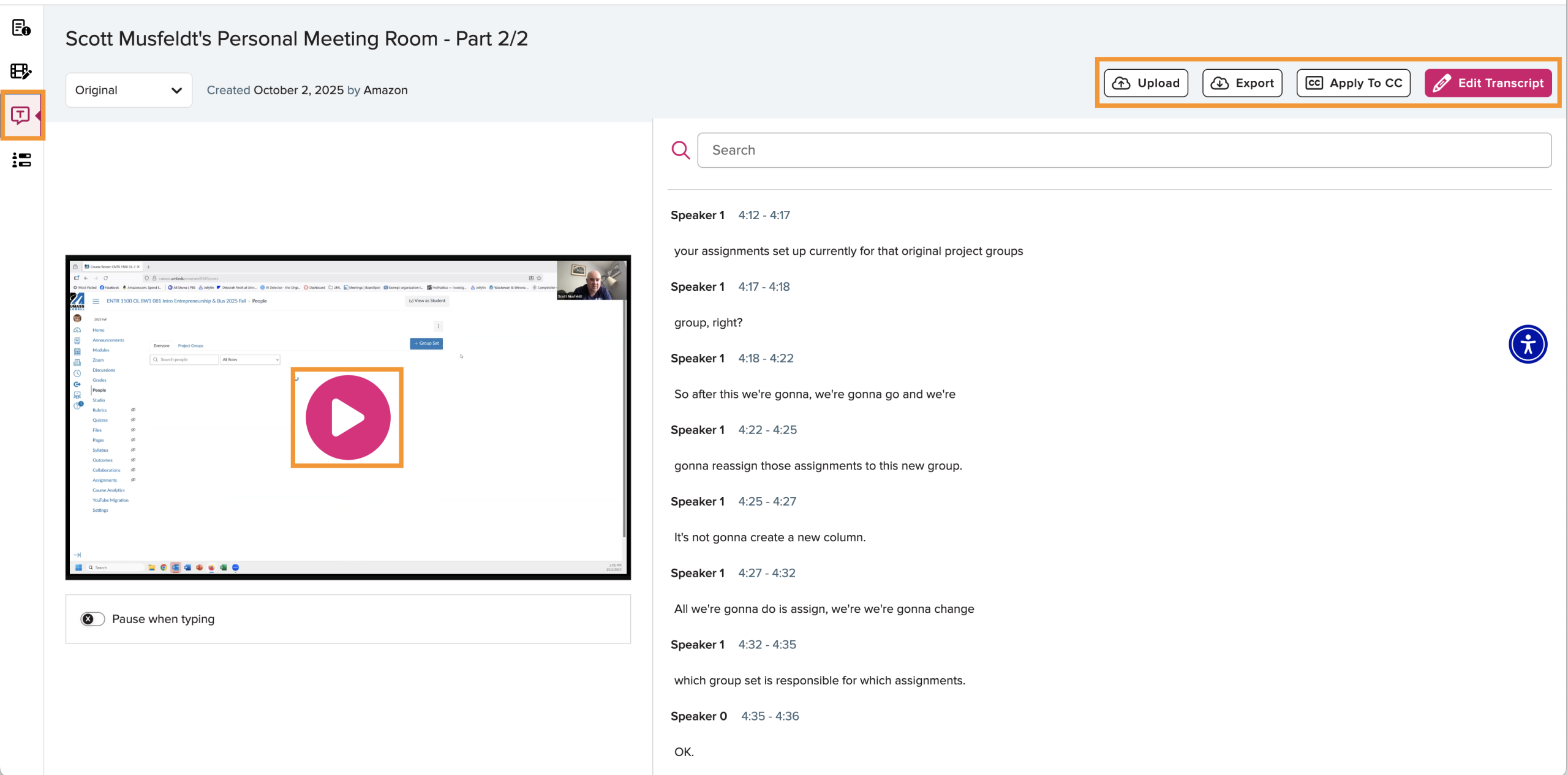
- Select the T on the left menu to edit the transcript. (See image below)
- On the next screen, you will see your video and the transcripts. There are options to play your video, Edit Transcript, Apply to CC, Upload, and Export (See image below).
- Select Edit Transcript. You will then be able to make edits in the text.
- When complete, you should Save as New Version.
- Finally, select Apply to CC.