The Home Page is where users will land when they enter your course. By default, the Home Page is set to Modules. If you wish to switch it, select Choose Home Page. You have to be on your Home Page to see this option.

Select the area for the new Home Page and click Save.

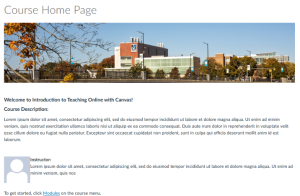
For accessibility reasons, GPS encourages faculty to stay with the default Course Modules home page. If you want another option, you can use Pages Front Page. Below is a sample of what the Front Page would look like.
Canvas guides